
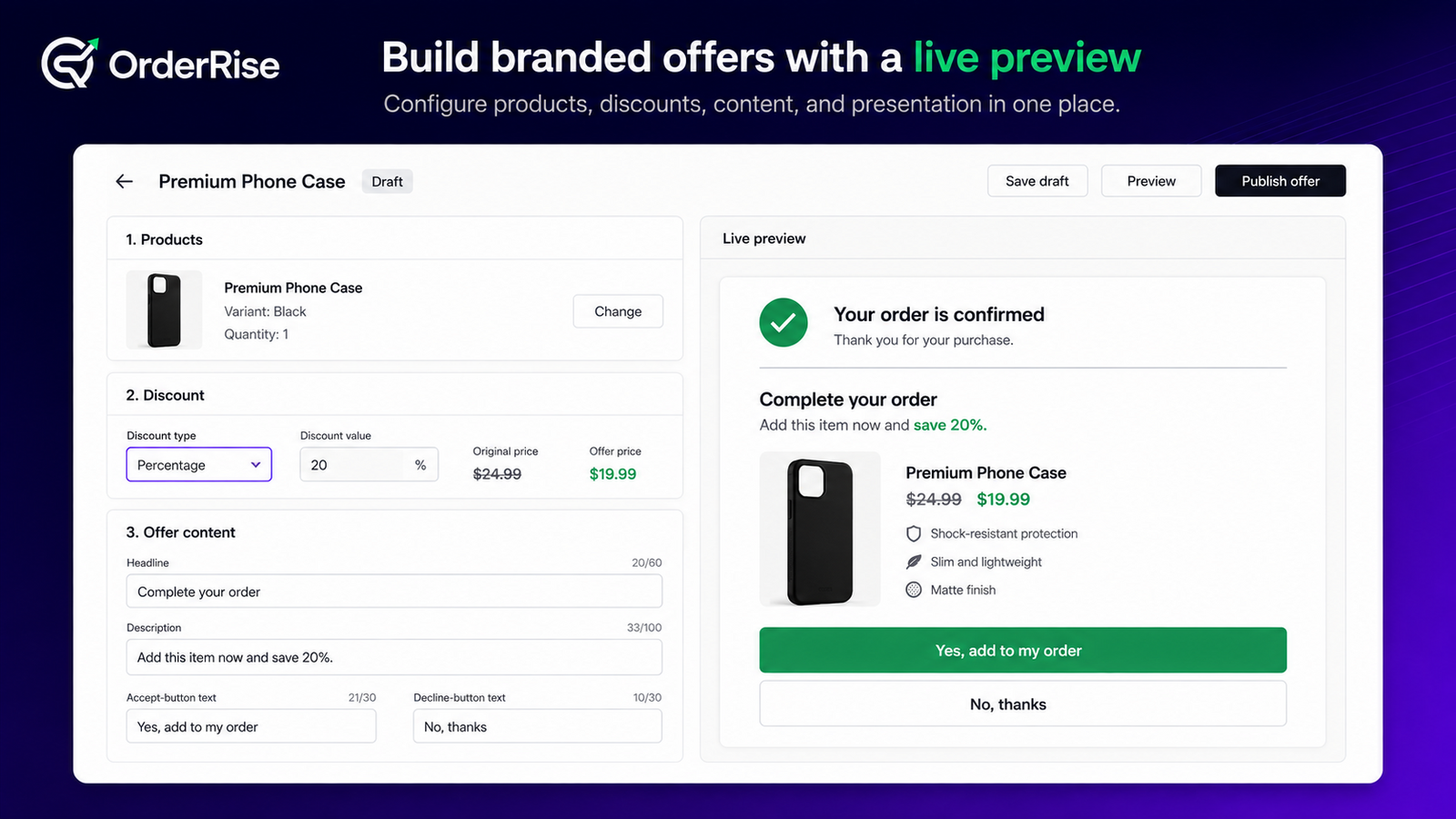
Create an offer
Choose products and variants, configure pricing and shipping, customize the customer-facing content, and add targeting conditions. Incomplete work can remain a draft.
Build an optional funnel
Select a first offer and configure explicit acceptance and decline paths. Each continuation or downsell path requires its own eligible offer before publishing.
Enable post-purchase checkout
In Shopify checkout settings, select OrderRise for the post-purchase page. At least one eligible active offer or active funnel is required for a matched offer to display.
Test and measure
Complete an eligible order using a supported test payment flow, verify the customer-facing offer, and use Analytics to review recorded impressions, conversions, declines, and attributed revenue.